Great product. I have to buy the adapter separately for Australia as this came with the japanese plug.
Great, excellent quality product. Delivered in record time. Highly recommended.
$0.00 AUD
Logitech
Out of stock
Couldn't load pickup availability
Logitech C920e HD Pro Webcam
C920e is a work-from-anywhere HD 1080p webcam that surpasses the video and sound quality provided by most laptops. Step up to professional-quality video collaboration at a price point ideal for deployment at scale.
C920e is ideal for displaying individuals in a well-balanced frame. The fixed 78° field of view captures a “just-right” view of the user and their environment while also providing sufficient room to visually share projects and other items of interest.
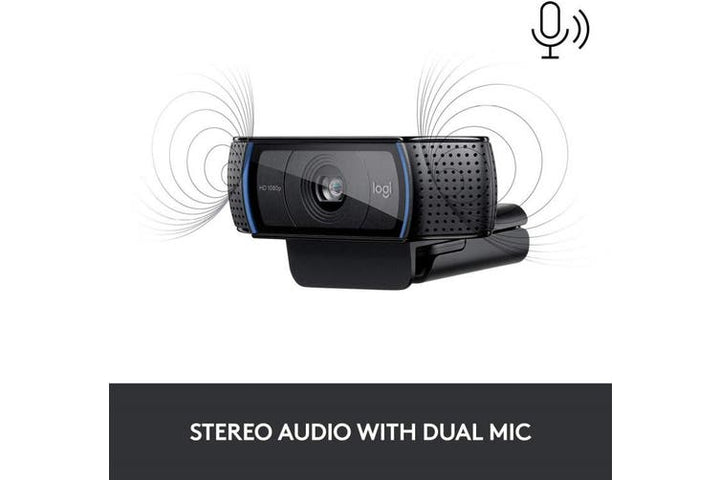
C920e includes dual integrated omnidirectional mics that can be easily enabled with the Logi Tune Desktop app. When activated, the mics are optimized to clearly capture audio from up to one meter away.
DOWNLOAD LOGI TUNE FOR WINDOWS DOWNLOAD LOGI TUNE FOR macOS 
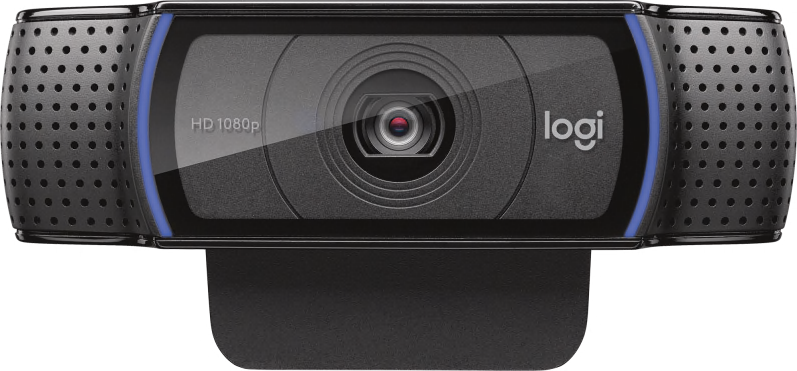
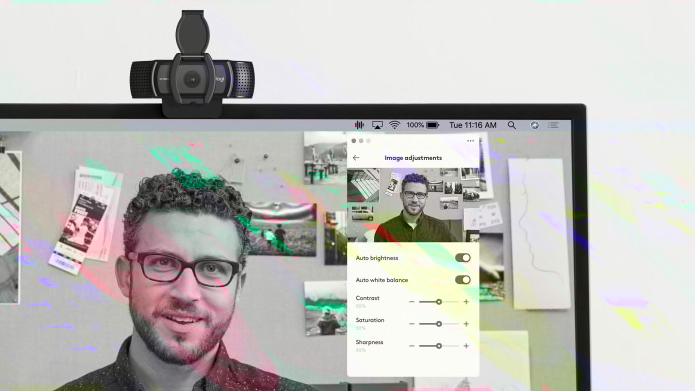
Built-in HD autofocus ensures you’re seen clearly throughout your video calls. Working in tandem with automatic light correction, C920e delivers optics that help you look good in all your video meetings.
The Logi Tune Desktop app simplifies personal device control and customization on select models, including C920e. The mini-app works unobtrusively on your screen for uninterrupted video collaboration, including activation of the C920e dual integrated mics, zoom control, colour adjustment, and easy download of firmware updates.
DOWNLOAD LOGI TUNEC920e is Certified for Microsoft Teams and Zoom and compatible with other popular applications including BlueJeans, Cisco Webex, Fuze, Google Meet, GoToMeeting, Lifesize Cloud, and Pexip, RingCentral Video, and Vidyo to ensure compatibility and seamless integration in the workplace.
LOGITECH COLLABORATION PROGRAM 
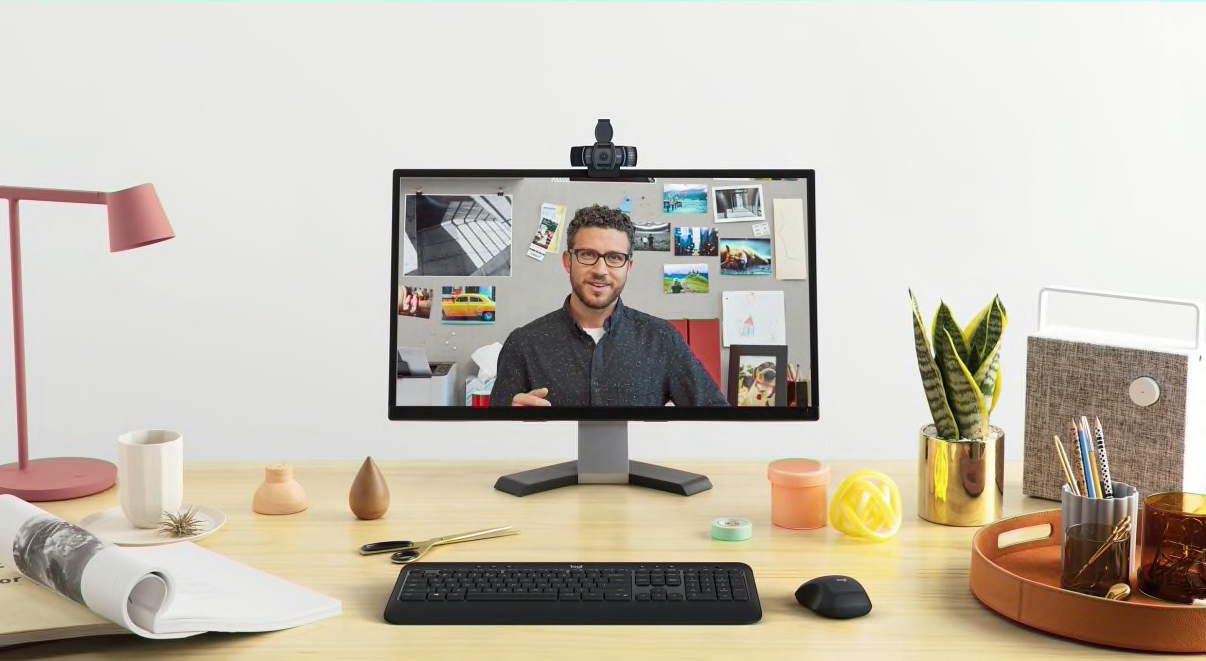
Mount the webcam wherever it works best: screen, notebook, or tabletop. C920e is designed with a sturdy, adjustable clip that makes it easy to mount on any laptop or external monitor. Integrated tripod threads provide extra versatility to mount the webcam on a tabletop or full-size tripod as well. Tripod is not included.
Logitech is committed to creating great customer experiences in ways that are sustainable for the planet and society.
Compatibility
BRAND NEW
ONE YEAR WARRANTY
STOCK IN AUSTRALIA
AUSTRALIAN SELLER
In today's digital age, ensuring your children's safety while they browse the internet is paramount. As they explore the vast online world through smartphones, gaming consoles, laptops, and other devices, it's essential to implement measures to shield them from potentially harmful content and interactions. Here are some tips to help you safeguard your children online:
Open and ongoing communication with your children about online safety is crucial. Discuss the potential dangers they may encounter online, such as pornography, cyberbullying, and violent content. Encourage them to come to you with any concerns or questions they may have.
Establish clear rules and boundaries regarding internet usage. Define appropriate time limits for browsing and specify which websites and apps are off-limits. Make sure your children understand the consequences of violating these rules. You can also restrict some of these apps or online content utilizing device level parental controls explained below.
Take advantage of the parental control features available on devices and internet browsers. These controls allow you to block access to specific websites, set age-appropriate content filters, and monitor your children's online activities. Familiarize yourself with the parental control options on smartphones, gaming consoles, and laptops to effectively manage your children's online experiences.
Stay informed about the latest trends and technologies related to online safety. Familiarize yourself with popular social media platforms, gaming communities, and messaging apps that your children may use, including the functions they provide. This knowledge will help you understand the potential risks and take appropriate action to protect your children.
Regularly monitor your children's online activities to ensure they are adhering to the rules and staying safe. Keep an eye on their browsing history, social media interactions, and messaging apps. Be vigilant for any signs of cyberbullying or exposure to inappropriate content.
Teach your children about the importance of practicing safe online behavior. Remind them never to share personal information, such as their full name, address, or phone number, with strangers online. Encourage them to think critically about the content they encounter and to report anything that makes them feel uncomfortable or unsafe.
Be a positive role model for your children by demonstrating responsible and respectful online behavior yourself. Show them how to navigate the internet safely and responsibly, and emphasize the importance of treating others with kindness and empathy online.
For additional resources and guidance on online safety, visit the Australian e-Safety Commissioner's website at www.esafety.gov.au. Here, you'll find a wealth of information, including tips for parents, educational resources for children, and tools for reporting online abuse and harassment.
You can also report abuse through the website’s online form.
By following these tips and utilizing available resources, you can help keep your children safe from pornography, cyberbullying, violent content, and other unsafe material while they navigate the internet. Remember, proactive measures and open communication are key to fostering a safe and positive online environment for your family.

Excellent service
Great product. I have to buy the adapter separately for Australia as this came with the japanese plug.
Great, excellent quality product. Delivered in record time. Highly recommended.