Great product. I have to buy the adapter separately for Australia as this came with the japanese plug.
Great, excellent quality product. Delivered in record time. Highly recommended.
$0.00 AUD
Out of stock
Couldn't load pickup availability
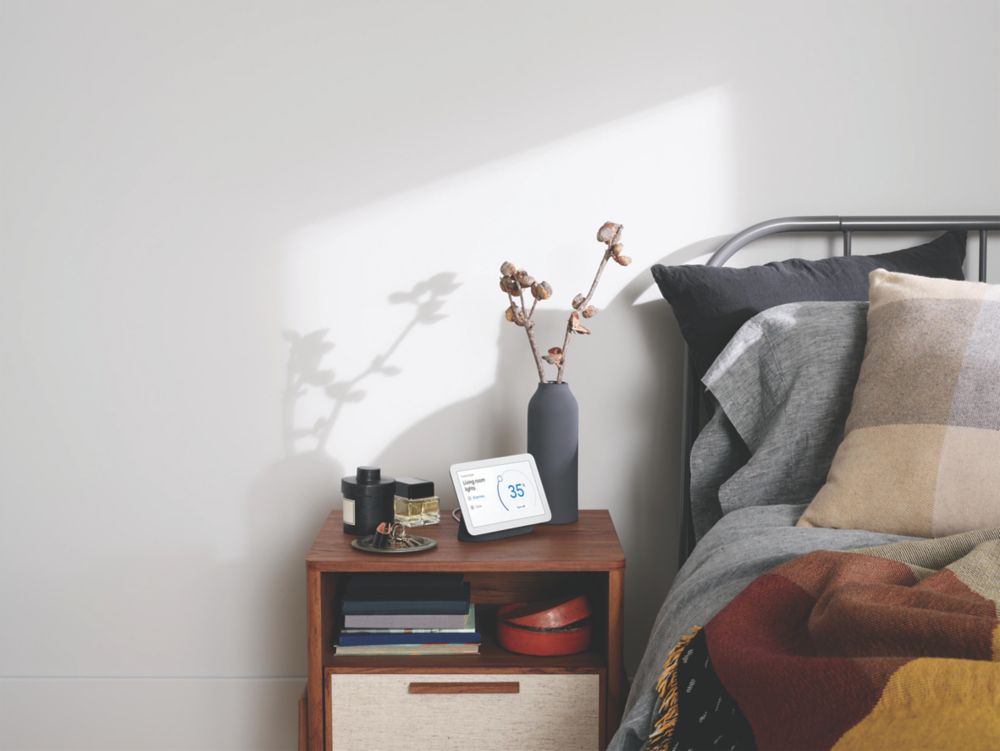
Google Nest Hub 2nd Gen Smart Home Display
Meet Nest Hub from Google, the smart display that’s the center of your helpful home, Stay entertained with shows, videos, and music. Control your compatible devices with a tap or with Google Assistant. And wake up easier with a Sunrise Alarm. Play music and catch up on your favorite Netflix shows and YouTube videos, And view your best shots from Google Photos automatically. Control your connected devices in one place with a tap – or your voice, To see the live feed on your Nest Doorbell or Nest Cam, just say, “Hey Google, show me the front door camera. See your calendar and create reminders and to-dos. Get answers from Google Assistant. And broadcast messages across the house with your other Nest speakers.
With Nest Hub at your bedside, Sleep Sensing5 can track when you go to bed, when you wake up, and how long you’ve slept. Enjoy a preview of Sleep Sensing. It’s free until next year. The Your Evening page helps you fall asleep with a bedtime countdown and relaxing sounds. And the Sunrise Alarm makes waking up a little easier. Nest Hub’s simple design and subtle colors fit any room. And it’s made with the environment in mind. The enclosure is made from 54% recycled plastic, Enjoy songs, podcasts, and audiobooks from your favorite streaming services, or ask Google to play news, sports highlights, and more.

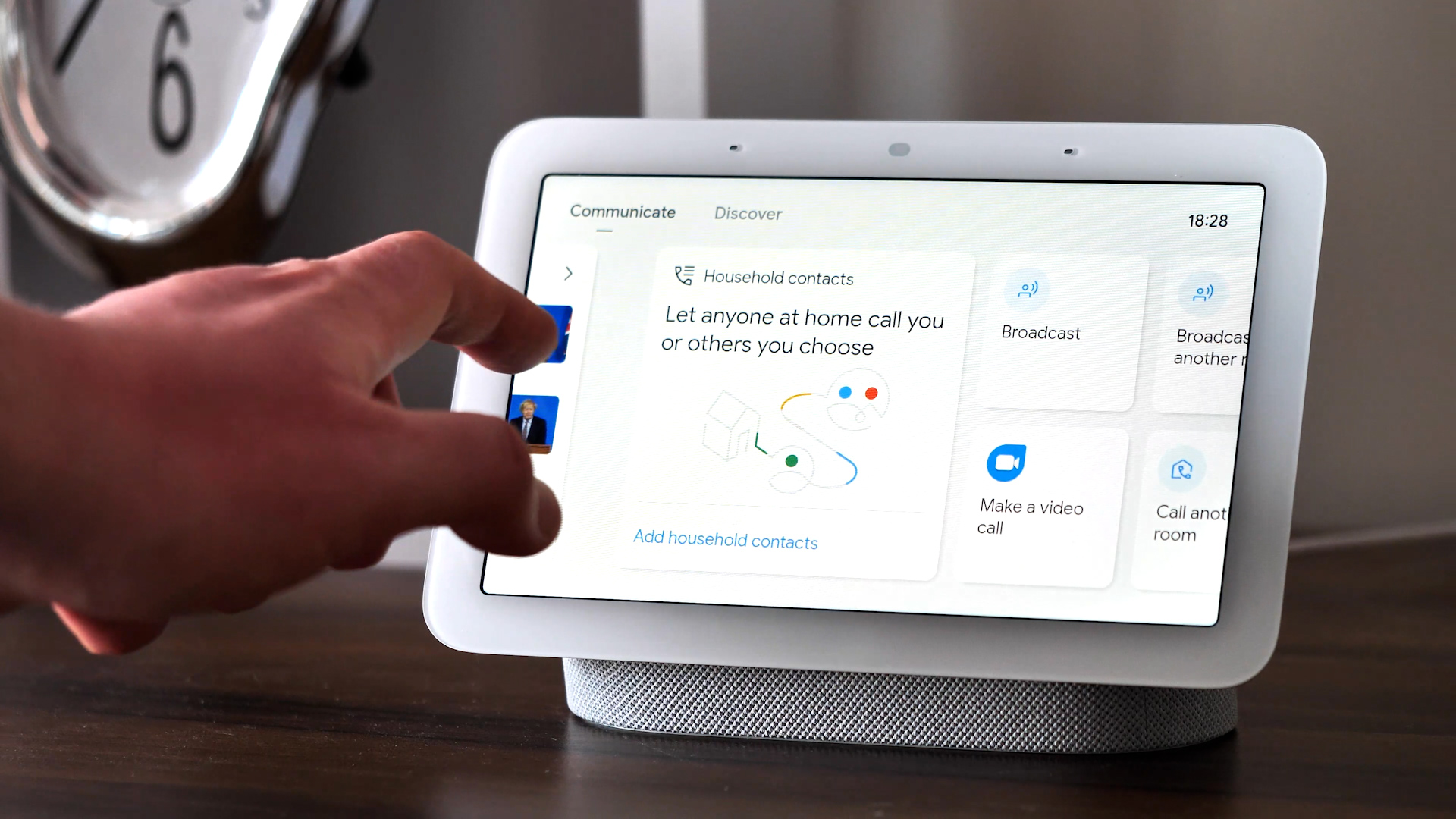
Connected home device type: Smart displays
Smart speaker model: Google Nest Hub [2nd Gen]
Networkable: Yes
Wi-Fi: Wi-Fi 5 (802.11 ac)
Bluetooth: v5.0
Smart home ecosystem: Google Home
Connected home features: Yes
Voice Control: Yes
Touchscreen: Yes
Display size (inches): 7
Screen Resolution: HD
Resolution (Pixels): 1024 x 600
Color LCD screen: Yes
Built-in microphone: Yes
HD video: Yes
In today's digital age, ensuring your children's safety while they browse the internet is paramount. As they explore the vast online world through smartphones, gaming consoles, laptops, and other devices, it's essential to implement measures to shield them from potentially harmful content and interactions. Here are some tips to help you safeguard your children online:
Open and ongoing communication with your children about online safety is crucial. Discuss the potential dangers they may encounter online, such as pornography, cyberbullying, and violent content. Encourage them to come to you with any concerns or questions they may have.
Establish clear rules and boundaries regarding internet usage. Define appropriate time limits for browsing and specify which websites and apps are off-limits. Make sure your children understand the consequences of violating these rules. You can also restrict some of these apps or online content utilizing device level parental controls explained below.
Take advantage of the parental control features available on devices and internet browsers. These controls allow you to block access to specific websites, set age-appropriate content filters, and monitor your children's online activities. Familiarize yourself with the parental control options on smartphones, gaming consoles, and laptops to effectively manage your children's online experiences.
Stay informed about the latest trends and technologies related to online safety. Familiarize yourself with popular social media platforms, gaming communities, and messaging apps that your children may use, including the functions they provide. This knowledge will help you understand the potential risks and take appropriate action to protect your children.
Regularly monitor your children's online activities to ensure they are adhering to the rules and staying safe. Keep an eye on their browsing history, social media interactions, and messaging apps. Be vigilant for any signs of cyberbullying or exposure to inappropriate content.
Teach your children about the importance of practicing safe online behavior. Remind them never to share personal information, such as their full name, address, or phone number, with strangers online. Encourage them to think critically about the content they encounter and to report anything that makes them feel uncomfortable or unsafe.
Be a positive role model for your children by demonstrating responsible and respectful online behavior yourself. Show them how to navigate the internet safely and responsibly, and emphasize the importance of treating others with kindness and empathy online.
For additional resources and guidance on online safety, visit the Australian e-Safety Commissioner's website at www.esafety.gov.au. Here, you'll find a wealth of information, including tips for parents, educational resources for children, and tools for reporting online abuse and harassment.
You can also report abuse through the website’s online form.
By following these tips and utilizing available resources, you can help keep your children safe from pornography, cyberbullying, violent content, and other unsafe material while they navigate the internet. Remember, proactive measures and open communication are key to fostering a safe and positive online environment for your family.

Excellent service
Great product. I have to buy the adapter separately for Australia as this came with the japanese plug.
Great, excellent quality product. Delivered in record time. Highly recommended.