Google Pixel 8 5G Smartphone (8GB/128GB, Rose) - Refurbished Grade - B (AU Version)
- Pixel 8 is the helpful phone engineered by Google; the new Google Tensor G3 chip is custom-designed with Google AI for cutting-edge photo and video features and smarter ways to help.
- Google Pixel 8 has a fully upgraded camera with advanced image processing to reveal vivid colors and striking details; and now with Macro Focus, even the smallest subjects can become spectacular images.
- The 6.2-inch Pixel 8 Actual display is super sharp, with rich, vivid colors, it’s fast and responsive for smoother gaming, scrolling, and moving between apps.
- Pixel’s Adaptive Battery can last over 24 hours; when Extreme Battery Saver is turned on, it can last up to 72 hours; and it charges faster than ever.
- Pixel 8 can notify first responders in an emergency and share your location, and can even detect if you’ve been in a severe car crash, if you’re unable to respond, your Pixel phone can call emergency services and notify your chosen contacts.
- With powerful security features, your Pixel phone helps keep your info safe; Google Tensor G3, VPN by Google One, and the Titan M2 security chip give your Pixel multiple layers of security.
- Switching to Pixel is easy, just connect your old phone to your new Pixel and transfer contacts, photos, messages, apps, and more in about 30 minutes.
Product Description:
Meet Pixel 8. The helpful phone engineered by Google, with an amazing camera, powerful security and an all-day battery. With Google AI, you can do more, even faster like fix photos, screen calls and get answers. And Pixel 8 has personal safety features for added peace of mind.
The power behind Google AI on Pixel
Google Tensor G3 is Pixel’s most powerful chip yet. It’s custom-designed with Google AI for cutting-edge photo and video features and smart ways to help throughout the day. And it makes Pixel 8 super fast and efficient.

A stunning display
Pixel's 6.2-inch high-resolution display delivers sharp, vivid colours and rich detail. And it has a refresh rate up to 120Hz for smoother gaming, scrolling and switching between apps.
Pixel's brightest display yet
Pixel 8 outshines other Pixel displays for higher peak brightness. So you can see your screen clearly, even in direct sunlight.
The super dependable all-day battery
Pixel's Adaptive Battery can last over 24 hours. Turn on Extreme Battery Saver, and it can last up to 72 hours for power when you need it most. And your Pixel can charge faster than ever.
Fresh, modern design
Pixel 8 raises the bar for beautiful design with contoured edges, a satin finish and stylish colours. And it's made with approximately 18% recycled materials (based on weight).
Scratches and spills are no big deal
With its durable design and IP68 protection, Pixel 8 can handle some slips, spills and dust. And it's scratch-resistant, with Corning Gorilla Glass Victus.
Amazing photos and videos, every time
The Pixel Camera is fully upgraded and has advanced image processing to reveal vivid colours and striking details in any light. And now with Macro Focus, the smallest subjects can become spectacular images.
 Incredible videos, on every take
The Pixel Camera is equipped to record smooth videos with stunning resolution and clear audio, even in crowded, dimly lit places. And you can add cinematic effects with a few taps.
Your social media, stepped up
Pixel's high-quality photos, videos and audio are now integrated into selected social apps. So you can create content with beautiful images and clear sound effortlessly.
Make distractions disappear, just like that
Easily remove distractions, like photobombers, with Magic Eraser, using Google’s AI technology in Google Photos. Or change the colour and brightness so that an object blends right in.
Get things done with Google Assistant
Just say 'Hey Google' to stay in touch, manage tasks, get answers and more. Write messages twice as fast with your voice. And get helpful info at the right time.
Translate languages in real time
With Live Translate, Pixel can interpret your face-to-face conversations in 49 languages, transcribe messages back and forth as you chat and translate menus with the camera.
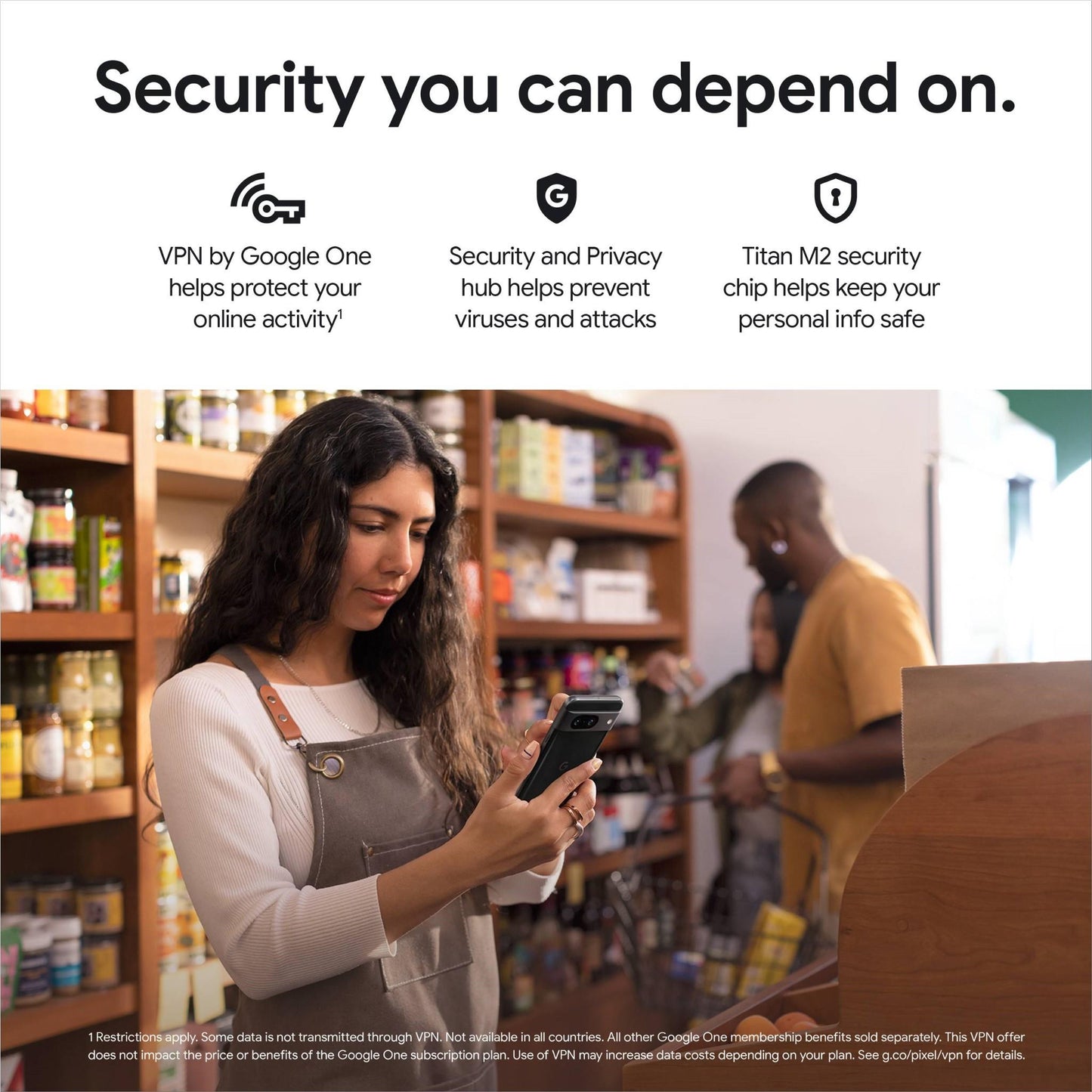
Security you can depend on
With Google Tensor G3 and the Titan M2 security chip, Pixel is built with multiple layers of security to help keep your personal info safe.

Security updates help keep Pixel safe
To protect you and your sensitive data, Pixel comes with 7 years of security updates from launch. So your Pixel gets even more secure over time.
Specifications:
-
Brand: Google
-
Phone Operating System: Android
-
Phone Type: Google Pixel 8
-
Network compatibility: 5G
-
SIM type: Dual SIM (nano-SIM + eSIM)
-
Colour: Rose
-
AI features: Google Ai
-
Device screen size (inches): 6.2
-
Resolution (Pixels): 2400 x 1080
-
Display type: OLED up to 120Hz
-
Touchscreen: Yes
-
Internal storage: 128GB
-
Battery life: 24-hours or up to 72-hours with Extreme Battery Saver(7)
-
Battery capacity (mAh): 4575
-
Wireless Charging Type: Qi
-
Face unlock: Yes
-
Fingerprint sensor: Yes
-
Processor: Google Tensor G3
-
RAM (GB): 8
-
Rear Cameras (MP): 50MP + 12MP
-
Front camera (MP): 10.5MP
-
Built-in flash: Yes
- Image stabilisation: Digital
-
Digital zoom: 7x
-
Video recording: Ultra HD
-
Video Frames Per Second: 4K@60fps
-
Environmental protection: Dust resistant, Water resistant
-
IP rating: IP68
-
GPS: Yes
-
USB (Type-C) Port: 3.2
-
USB-C Ports: 1
-
NFC: Yes
-
Wi-Fi: Wi-Fi 7 (802.11 be)
-
Bluetooth: v5.3
Product Condition: Refurbished Grade - B
Note: The product comes with original or compatible accessories